

Easy Navigation
Bookbildr Review – The Easy Way to Print Your Own Book
I received a product from Bookbildr in exchange for this review, but all opinions remain my own – this is an honest review.


Homeschool Language Arts Lessons
Today for our homeschool language arts lesson, we will be writing a book!


If you remember from previous posts (here and here), our homeschool has been working on writing books.
Writing books has been a fun way for my kids to learn about language arts and everything that goes along with writing. Spelling, grammar, plot, character development, setting – the list goes on and on!
I am super excited to share my experience with Bookbildr with all of you! And I know the kids are going to be thrilled to have a nice, printed copy of the books they have been working so hard on.
Today I will be walking you through using the Bookbildr website. An in-depth tutorial of sorts.
I’ll be using our newest Victorious Kids book as the example, but each of my kids plans on building and printing their own books as part of their homeschool language arts lessons within the next few weeks.
So without further adieu…
A Bookbildr Tutorial


Navigating the Bookbildr Website
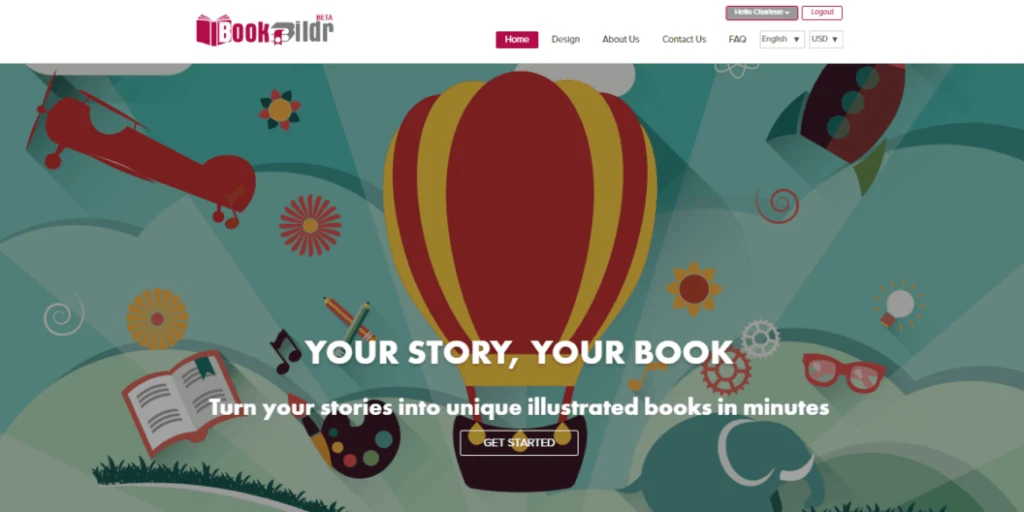
To start, we went to the Bookbildr home page and created an account.

We navigated to the page where you get to select the size and shape of your book. I was pretty impressed with all the different options. As you can see, there are 6 different sizes and shapes.


We decided to go with the medium portrait size. And….off we go!


Now a few things to keep in mind before we get started
Tips for using Bookbildr
- To make a softcover book, you need a minimum of 16 pages. For a hardcover, you need at least 24.
- It is recommended that you have an even number of pages, for ease of formatting.
- There is currently no way to reorder book pages – so make sure you have a complete outline before you begin.
These are things I learned the hard way. So learn from my mistakes!


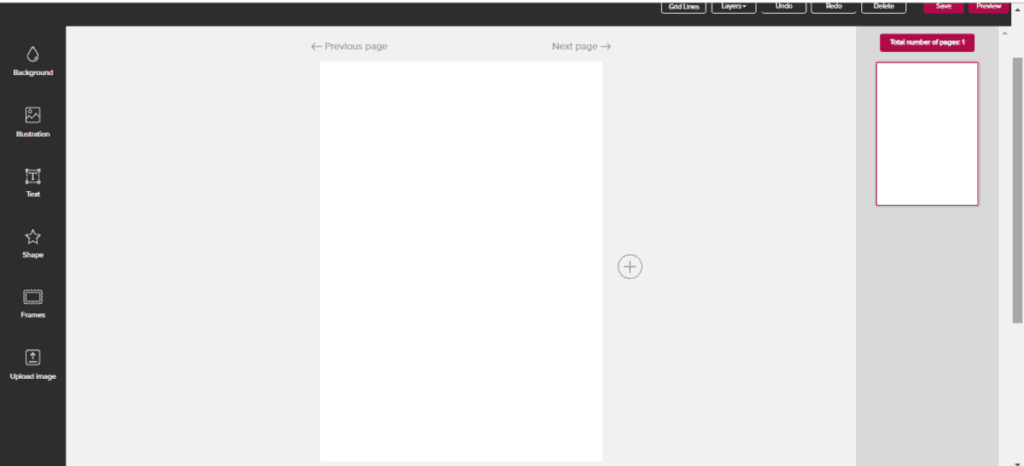
Including Text
We start with a big, blank canvas.
Now BECAUSE WE CAN’T REORDER PAGES I want to start with my cover page first

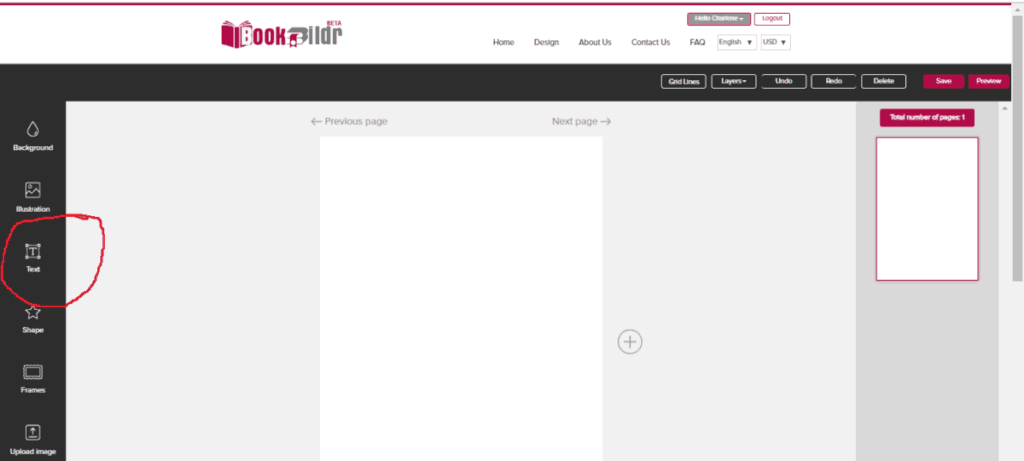
I started with the Title of my book. Click on the text editor tool on the left hand side.


After you have clicked on the text editor, a text box will appear on your page.
To start typing, begin by hitting the enter key on your keyboard. I’m embarrassed to admit this took me several days to figure out. So I’m saving you some frustrations and telling you now!

Keep in mind that Bookbildr does not have an auto-enter feature. So pretend like you’re using a typewriter and hit the enter key on your keyboard every time you near the end of your page.
Once your words are typed, it is easy to change font size, color, style, etc. You can also drag your text box around very easily.

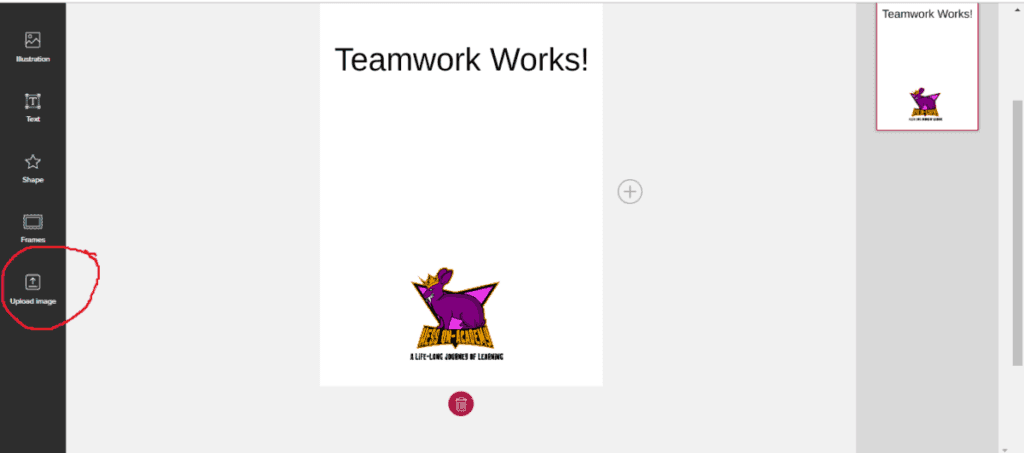
Adding Illustrations
You can upload a picture from your computer by clicking the upload button.

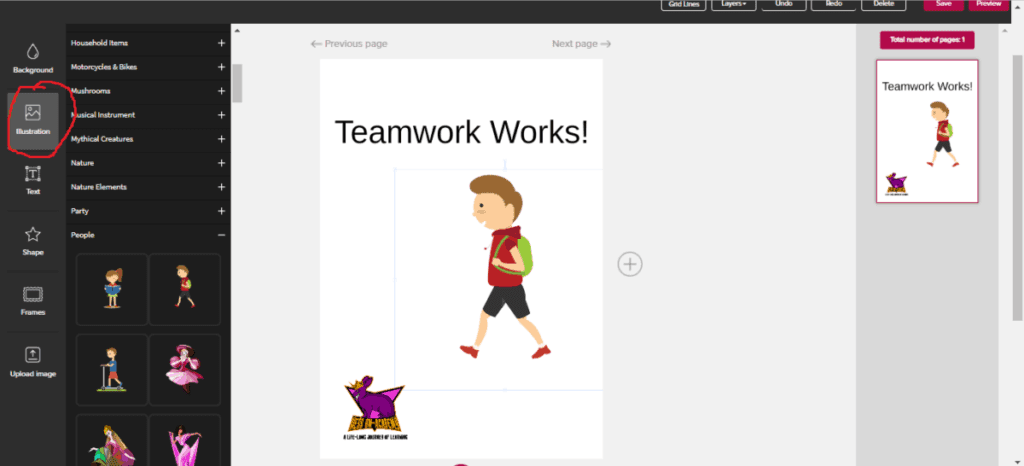
Or you can use some of the super cool pre-fabbed illustrations from the Bookbildr tool.
A Note On This
At first, we wanted to make our own illustrations in Adobe Illustrator or Adobe Photoshop. We spent almost a week trying to get some quality illustrations made up.
Turns out we are NOT graphic designers. Who knew?
Unless you are a skilled graphic designer, I recommend just using the illustrations in the Bookbildr tool. There are a ton of options, and they look great!
SO much easier than trying to create your own!
When you’re done with your Cover page, click the plus button to move onto your inside cover page.

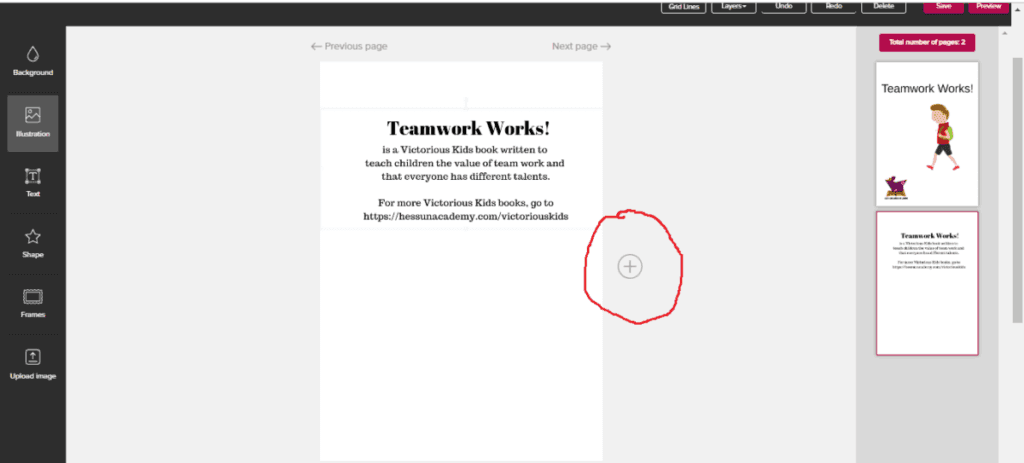
As you can see, in the right hand side, our new page was added. Remember – you can’t reorder pages after they’ve been created, so make sure you write your book in chronological order from the beginning!
Saving Your Work
Make sure you save often! My creation process went very smoothly, but we all know how unpredictable computers can be and I’d hate for you to lose your work!

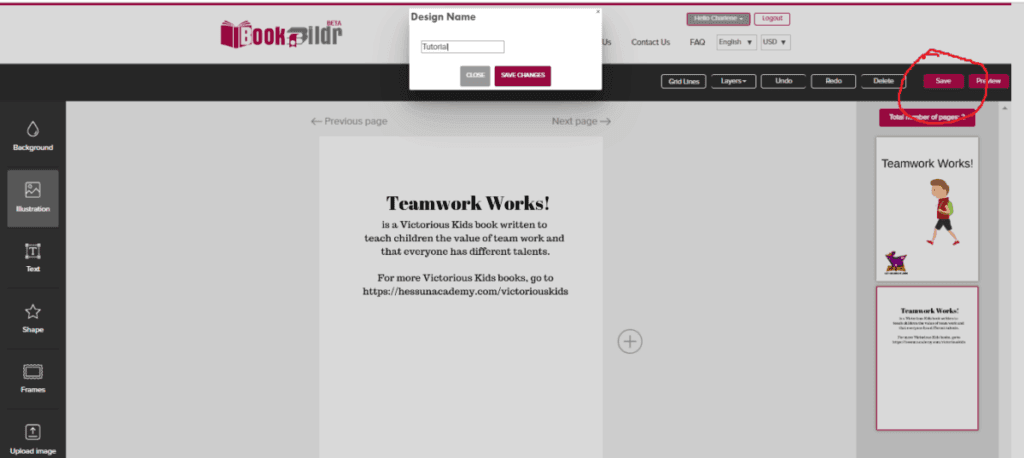

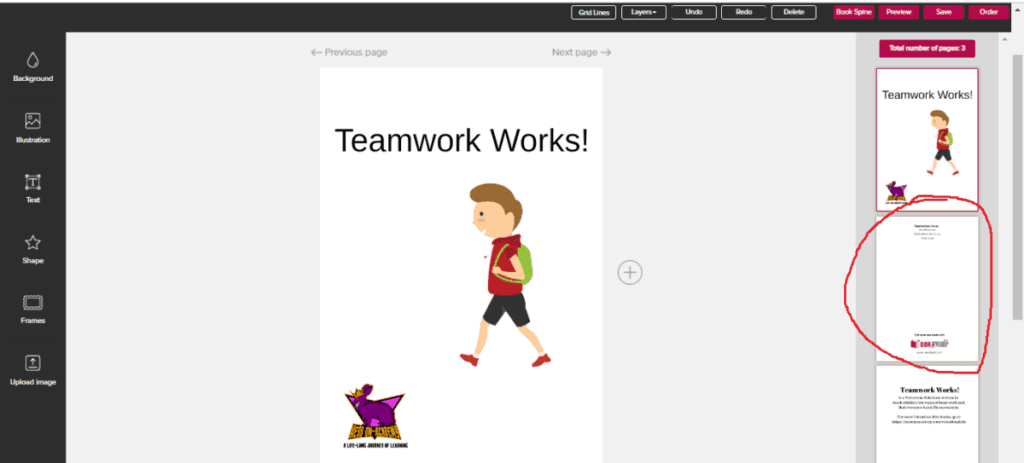
When you save your project, you’ll notice a new page in your list of pages. This is the BACK COVER PAGE and cannot be edited or removed by you.
But don’t panic – as you add new pages to your book, it will automatically move down the line.

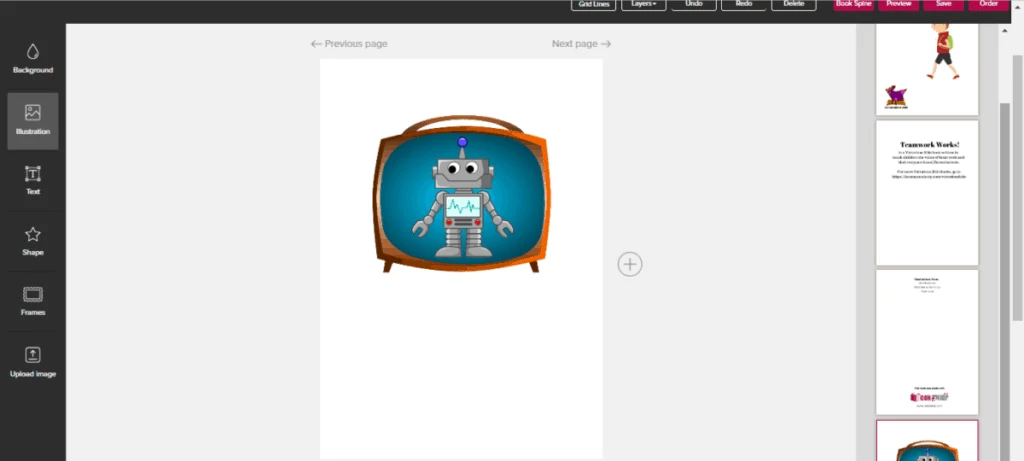
See?
I spent quite some time trying to figure out how to move or get rid of this random page that appeared when I saved my work. I even wrote Bookbildr’s customer service. (fantastic customer service, by the way!) So I’m sharing my experience with you!
NOTE – talking to my Bookbildr contact, she says to clarify the following about the credits page:
The Credits page is the inside back cover for soft covers, but it’s the last page for hardcovers and the one before last for PDF. Basically, it’s just a Credits page that’s always the page before last in a design.
Go ahead and create the rest of your book. Remember you want to have an even number of pages, and a minimum of 16 pages for a softcover or 24 pages for a hardcover.
Loading An Existing Bookbildr Project

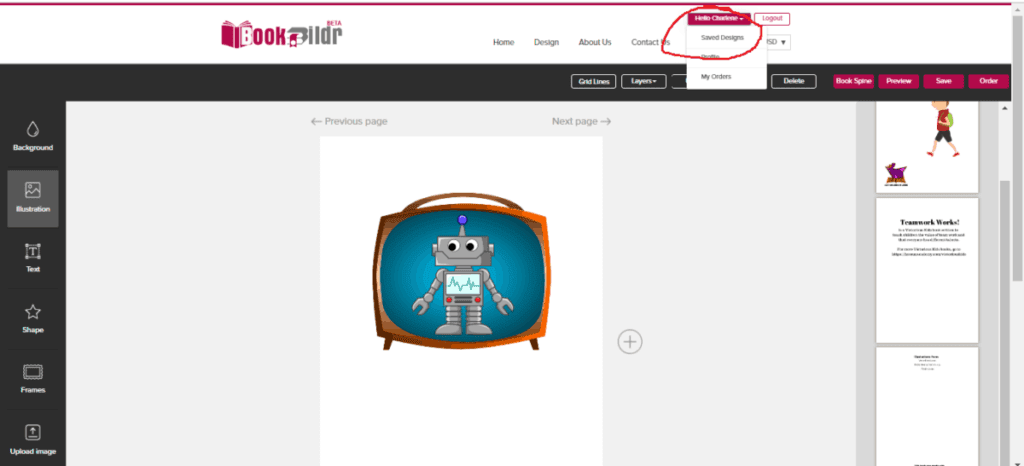
Remember to save your work often. If you want to load a saved design at any time, you can click on your username at the top of the page and then click on saved designs. Select the one you want! Easy peasy!
When you’re all done, make sure you create a back cover page so that the pre-made inside back cover page goes where it belongs.

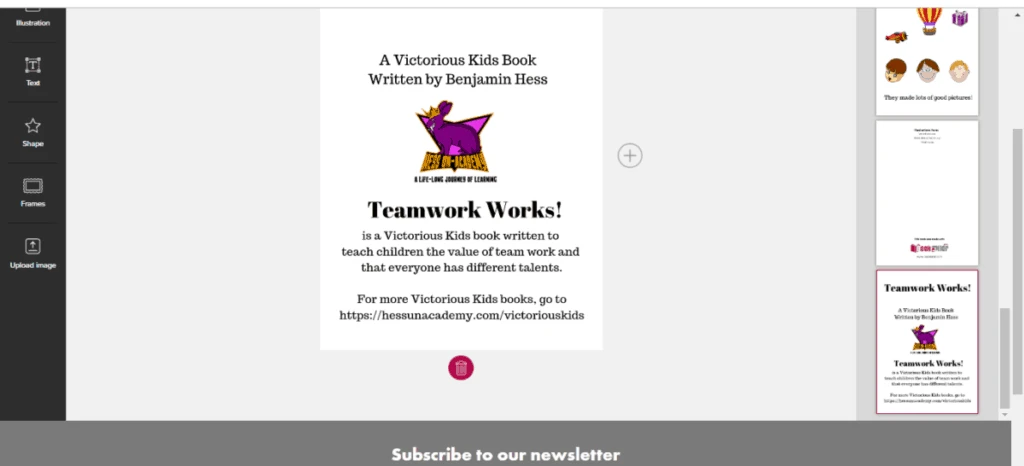
And you’re done!
Finishing Up Your Book
You can edit your book’s spine and then click order. Follow the process to complete your ordered book!
If you have any other questions, the FAQ section of the Bookbildr website is very comprehensive. Feel free to explore!
You can order a hardcover or a softcover.
You can also order a compiled PDF format of your book. This is handy for all kinds of things!
Sell your PDF online or ship it to the grandparents. Or both!
Wait happily for your printed book to arrive in the mail and add it to your bookshelf to be enjoyed by your family forever!
A Bookbildr Review
REMEMBER – Yes, I worked with Bookbildr on this post, and yes I did receive a product in exchange for this review, but all opinions are my own and I will only share with my readers the 100% absolute truth.

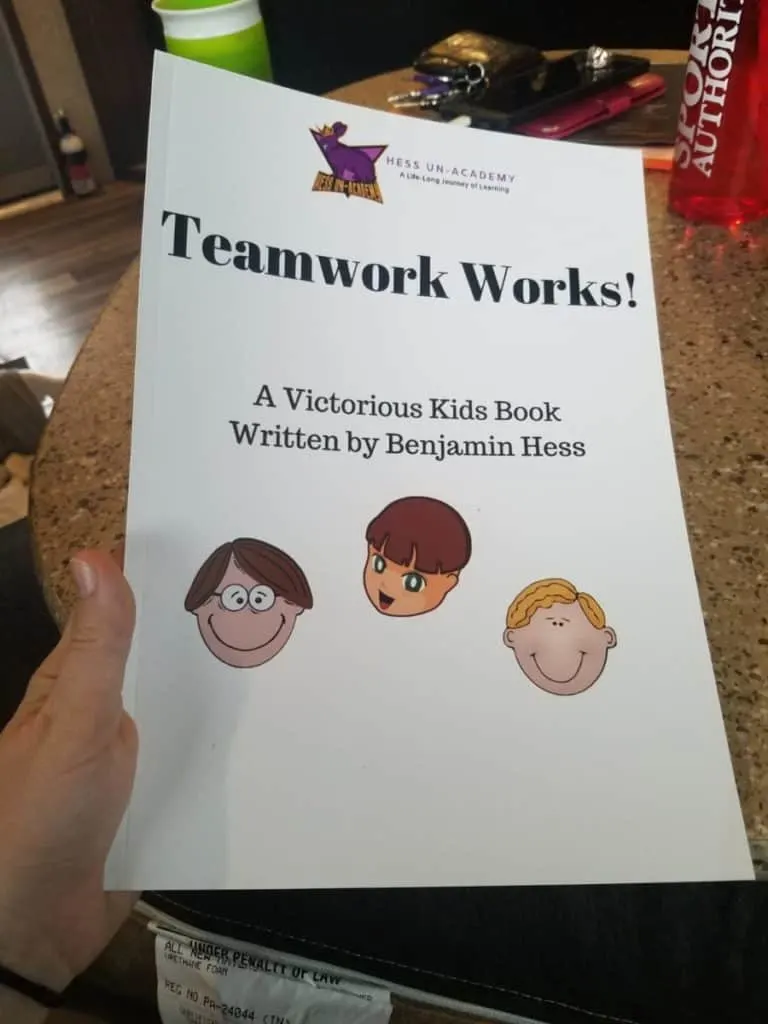
I was so excited to receive our book in the mail! My first impression was how glossy and shiny the pages are. These are some high-quality prints, guys! Such great workmanship.

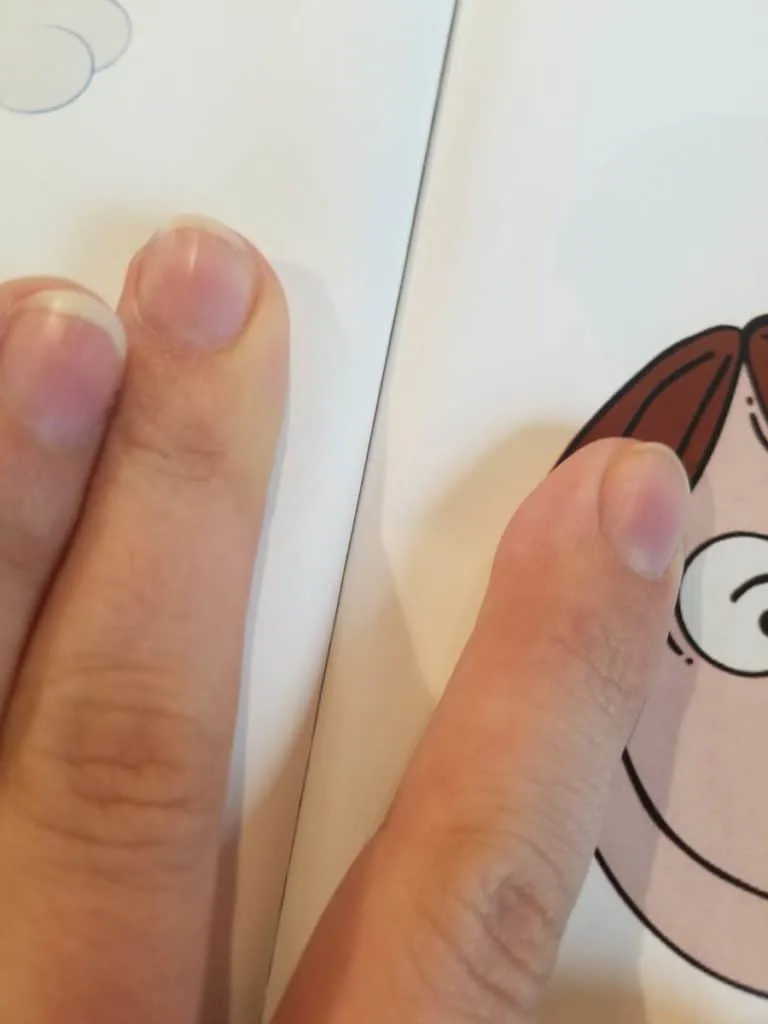
I pulled apart the binding to see if I could find any weaknesses. I couldn’t! I can’t figure out how they bound this book so well but I can’t even find this kind of binding in a regular book – these are not coming apart anytime soon, that’s for sure.

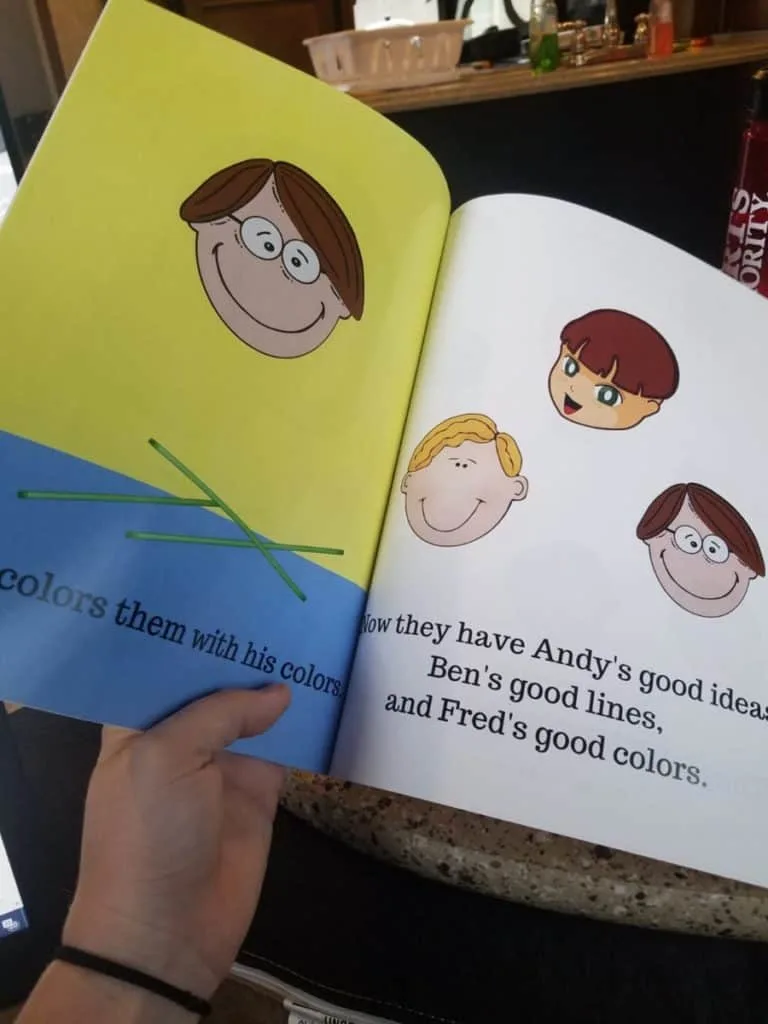
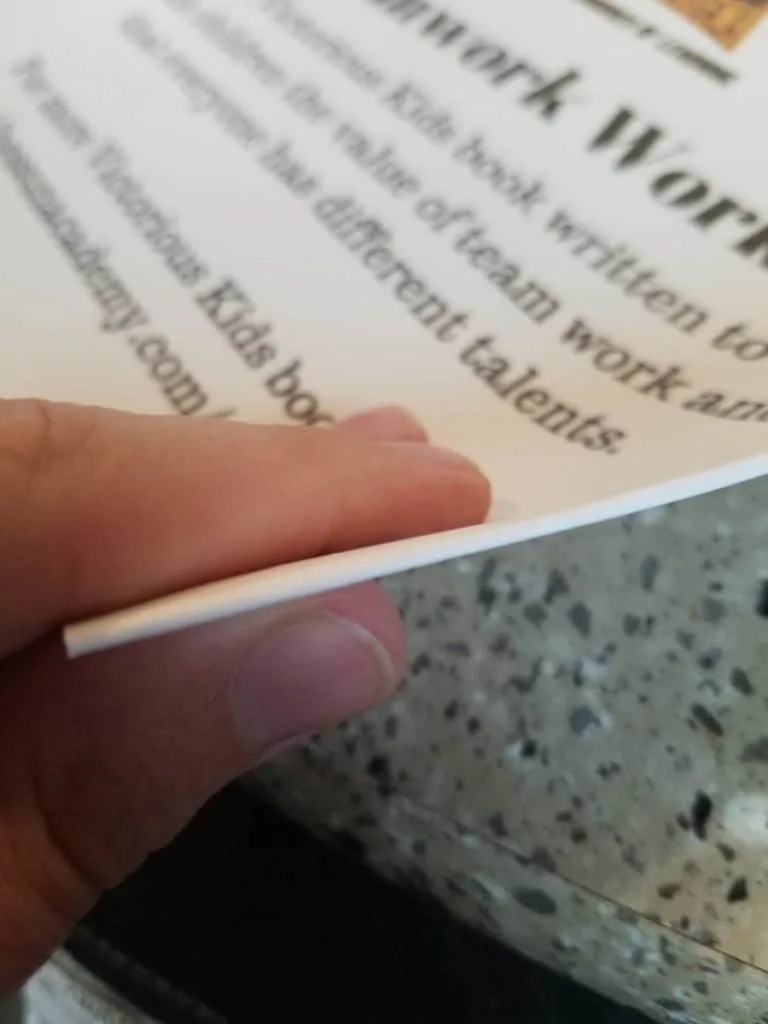
And the pages are so thick, I don’t even think a kid would be able to rip them accidentally. Purposefully? yeah, sure. But not likely on accident.

What Would I Do Differently?
I wish I had included more pages in my book. These pages were so high quality and so pleasing to look at, I was disappointed when my book ended! I find myself craving a nice 30+ page book.
So my recommendation to you guys – include more pages in your book!

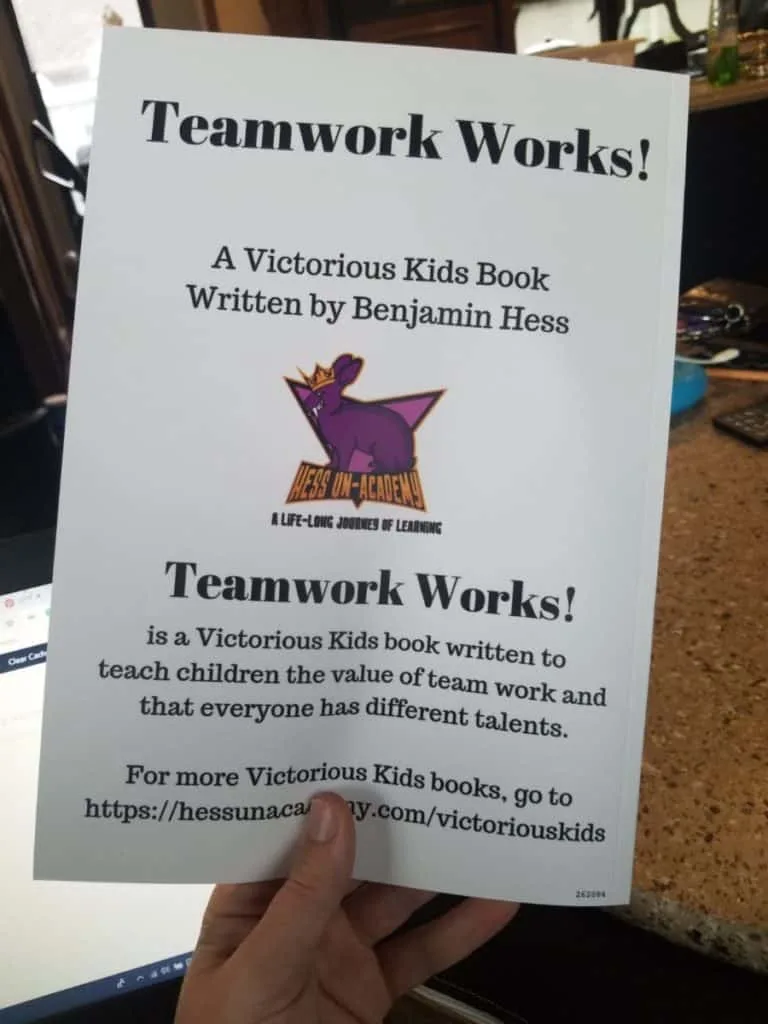
I also recommend taking more time to make the pages more colorful. The color on these prints is really impressive. You won’t be disappointed if you take the extra time required to make a REALLY colorful book.
I find myself wondering – if the softcover book was this great, what does the hardcover look like?
Final Thoughts On Bookbildr
All in all, I was very impressed with how easy it was to use the Bookbildr website. I would definitely recommend them (obviously) and plan on using them again.
We plan on getting a printed copy of all the kids’ short story projects. What a great way to wrap up a homeschool language arts unit?
You could also compile journals, recipes, photo albums – the sky’s the limit! Imagine a picture recipe book with prints of this quality?
At the time of writing this, a 16-page softcover book (including shipping) costs about $22.00 (I am not responsible for any pricing changes that take place after the publishing of this post)
If you just want to use their tools to make a PDF book, they have that option too! The PDF version was just a couple of dollars. Highly affordable.
Already tried Bookbildr? Let us know what you think!


Related Posts:
Writing Short Stories For Language Arts
What Books Does Our Homeschool Read
We’ve Got A Rough Draft
Bookbildr Review – The Easy Way to Print Your Own Book
- Free Printable Valentine Multiplication Worksheets - June 4, 2025
- Free Printable Martin Luther King, Jr. Word Scramble - June 4, 2025
- Digital Math Curriculum | Pros, Cons, and Options - June 4, 2025
T.M. Brown
Thursday 6th of June 2019
What a great site!!! You sparked some curiosity over here and I'm going to do some more research on this. Thanks for sharing your experience!
Chris
Tuesday 4th of June 2019
Thanks for the great tutorial. You've definitely saved a few steps of trial aand error! Great post.
Carolina
Monday 3rd of June 2019
Fantastic review, this sounds like a great idea. One of my boys love to create his own stories, so publishing his own book would be awesome for him!!
Cindy
Sunday 2nd of June 2019
How awesome! I’m impressed with the quality. I think my granddaughter would enjoy creating a book.
Tonya | the Writer Mom
Sunday 2nd of June 2019
That's a really neat idea!